01 · Page management
Create, organize, and manage pages without file-folder whiplash.
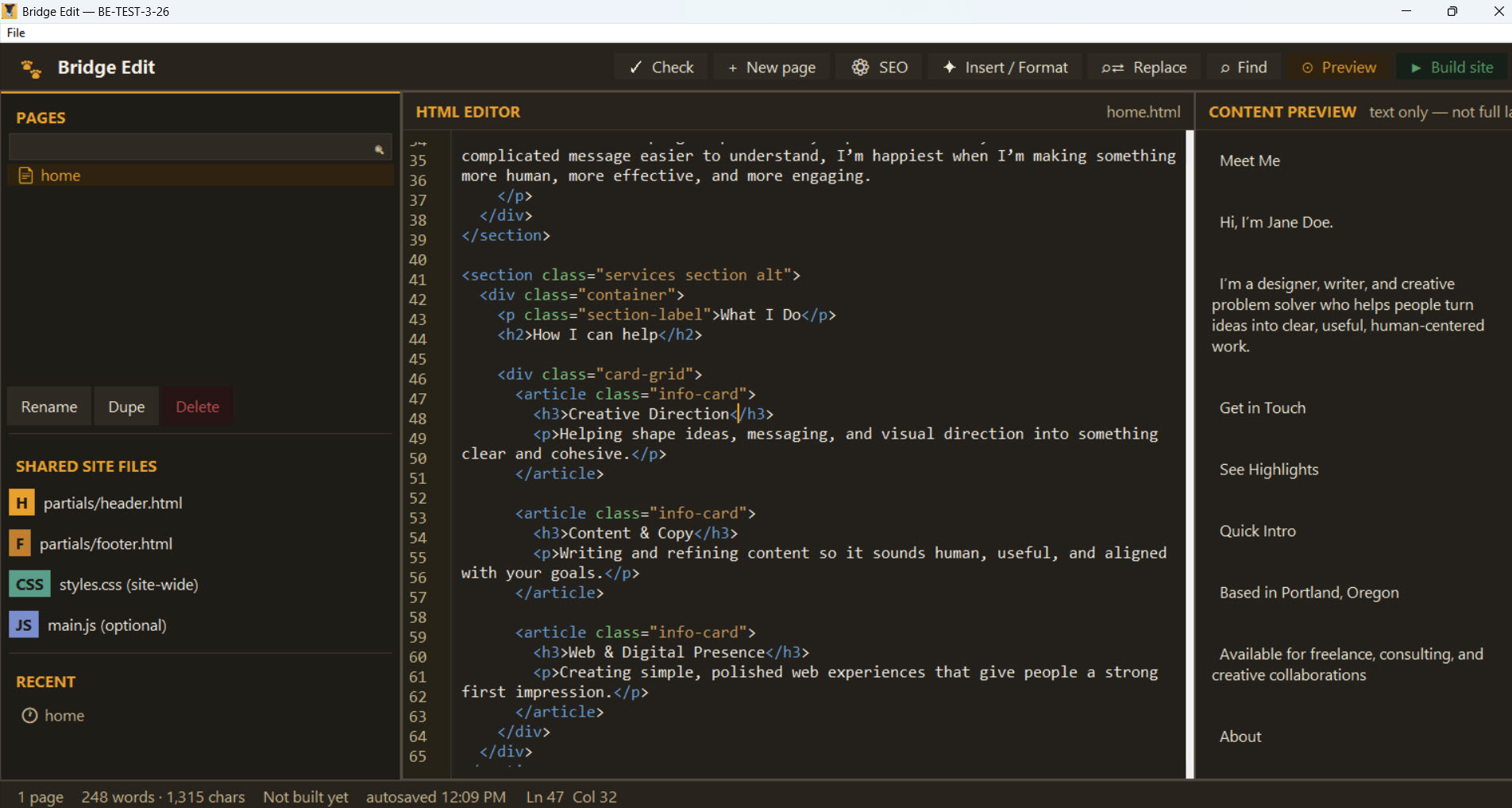
Create, rename, duplicate, delete, search, and quickly reopen pages from one sidebar.
Bridge Edit handles the everyday page chores that usually turn into busywork. You can create, rename, duplicate, and delete pages, filter the list when a site gets bigger, and jump back into recent pages without hunting through folders.
- Create, rename, duplicate, and delete HTML pages
- Search and filter pages in the sidebar
- Recent pages list for quick return trips
- Automatically opens a useful starting page on a fresh setup
02 · Editing
Edit real files in a clean workspace.
Write HTML directly, edit shared site files, and keep track of unsaved changes without drama.
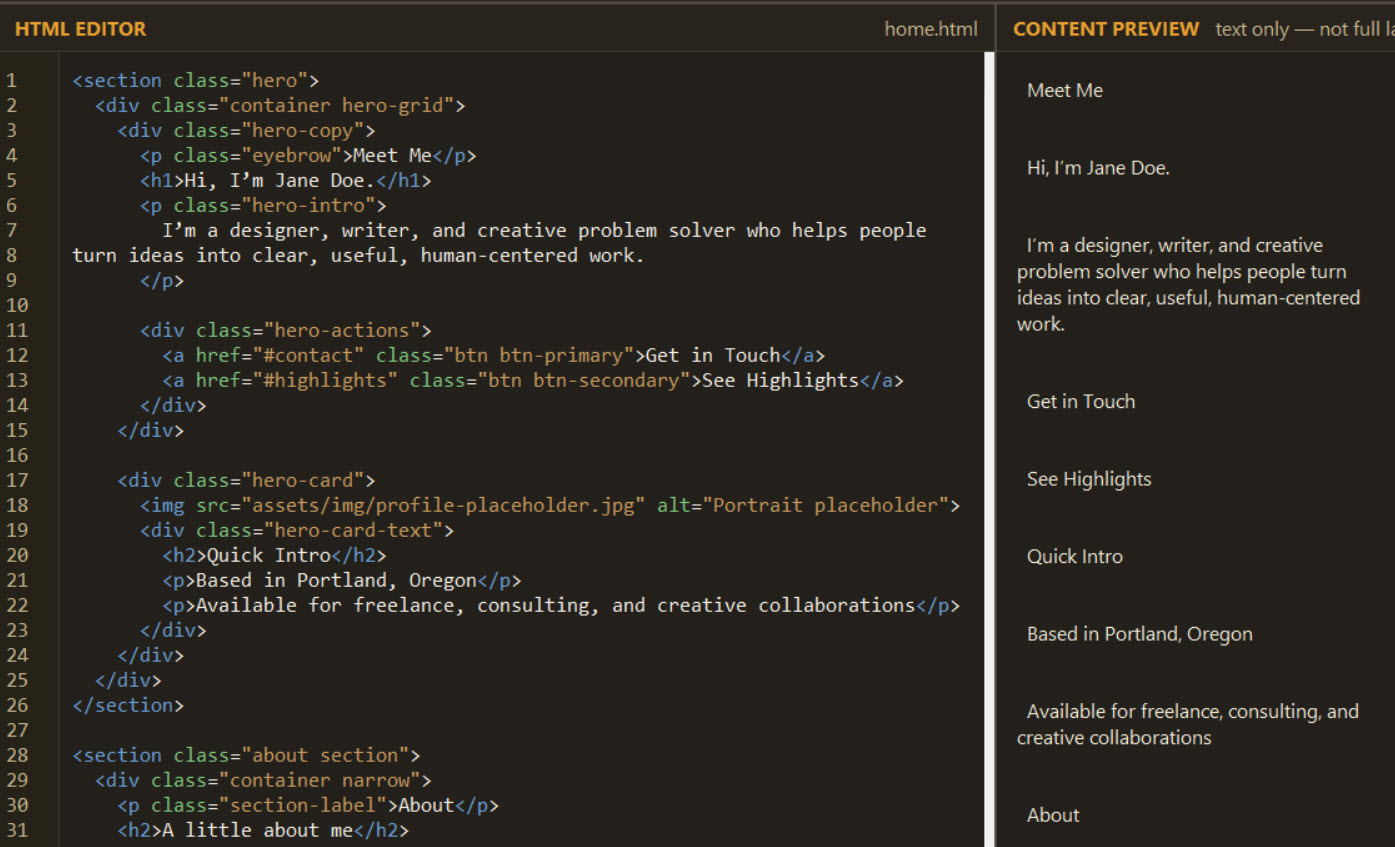
This is not a mystery-box visual builder. You are editing your actual site files, but in a calmer environment. Shared files like header, footer, CSS, and JavaScript stay easy to reach, and the app keeps an eye on unsaved changes so you do not accidentally walk away from a mess.
- Raw HTML editor with line numbers and monospace text
- Undo and redo support built into the editor
- Edit shared header, footer, CSS, and JS files directly
- Dirty-state tracking with save warnings on close or switch
03 · SEO
Control your page titles and meta descriptions without touching the head.
Per-page SEO fields keep the basics tidy and get injected automatically at build time.
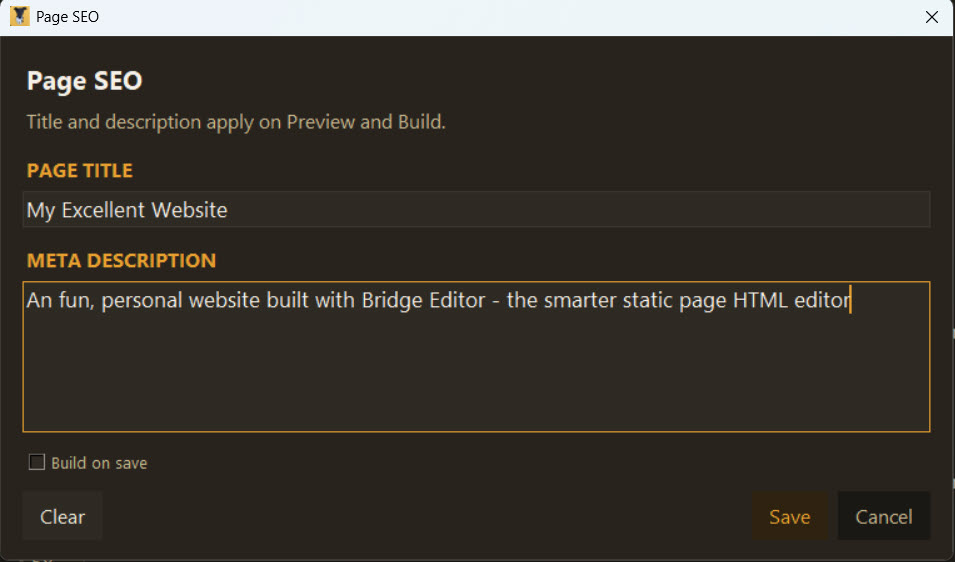
Bridge Edit gives each page its own title and meta description workflow, so you are not manually poking around in the wrong file trying not to break the head section. The app stores the metadata cleanly and inserts it into the finished page during build.
- Per-page title and meta description dialog
- Metadata saved with each content file
- Build step strips storage comments and injects real tags
Titles and descriptions are applied automatically during Preview and Build, so what you see is what search engines get.
04 · Build system
Turn separate parts into a finished site with one clean build.
Header, content, footer, assets, metadata, and output all come together without manual assembly.
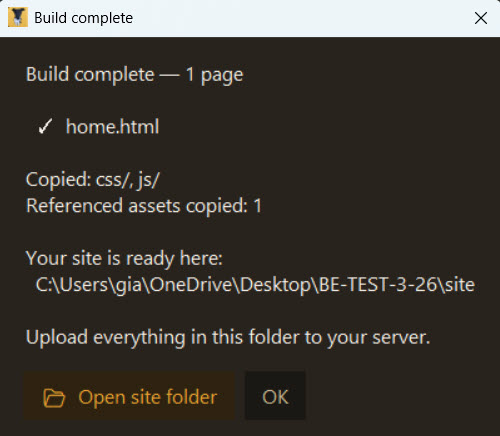
The build system is where Bridge Edit quietly earns its keep. It wraps your content in shared structure, carries over the assets your pages actually use, and creates a ready-to-upload site folder instead of leaving you with a pile of half-finished parts.
- Wraps page content with shared header and footer partials
- Injects page title and meta description during build
- Copies CSS, JS, and referenced assets into the output
- Optional build-on-save workflow for faster iteration
05 · Live preview
Preview your site like a site, not like a broken local file.
Launch a local preview in the browser with links and assets resolving the way they should.
A lot of editors stop at “open the file and good luck.” Bridge Edit runs a lightweight local preview so relative paths, assets, and navigation behave more like the real thing. That makes preview actually useful instead of decorative.
- Embedded local preview server
- Automatic free-port handling
- Path rewriting so relative links resolve properly
- Opens in your system browser
06 · Syntax checking
Catch structural mistakes before they go public.
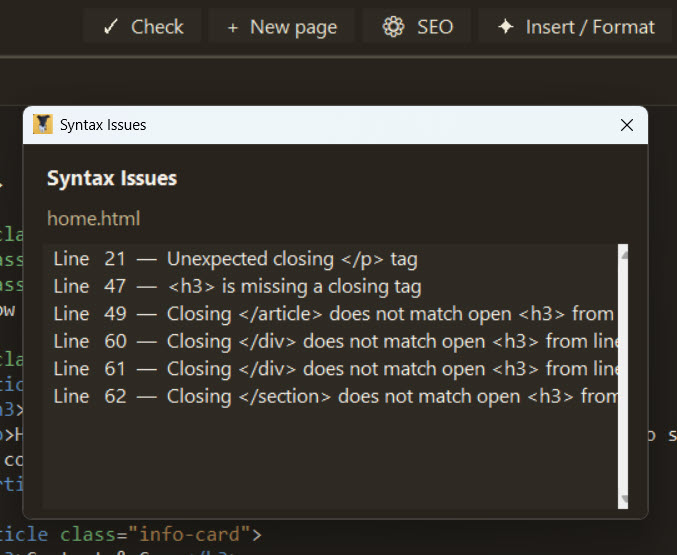
Built-in checks help spot HTML, CSS, and JavaScript problems with line-number guidance.
The validators are intentionally practical. They are there to catch the kind of missing tag, broken brace, or runaway quote that can wreck a page and waste an afternoon, not to pretend they are full compilers in a trench coat.
- HTML tag balance checking
- CSS brace, comment, and string checks
- JavaScript bracket, string, and comment checks
- Inline reporting with line numbers
07 · Snippets and inserts
Move faster with reusable blocks instead of retyping the universe.
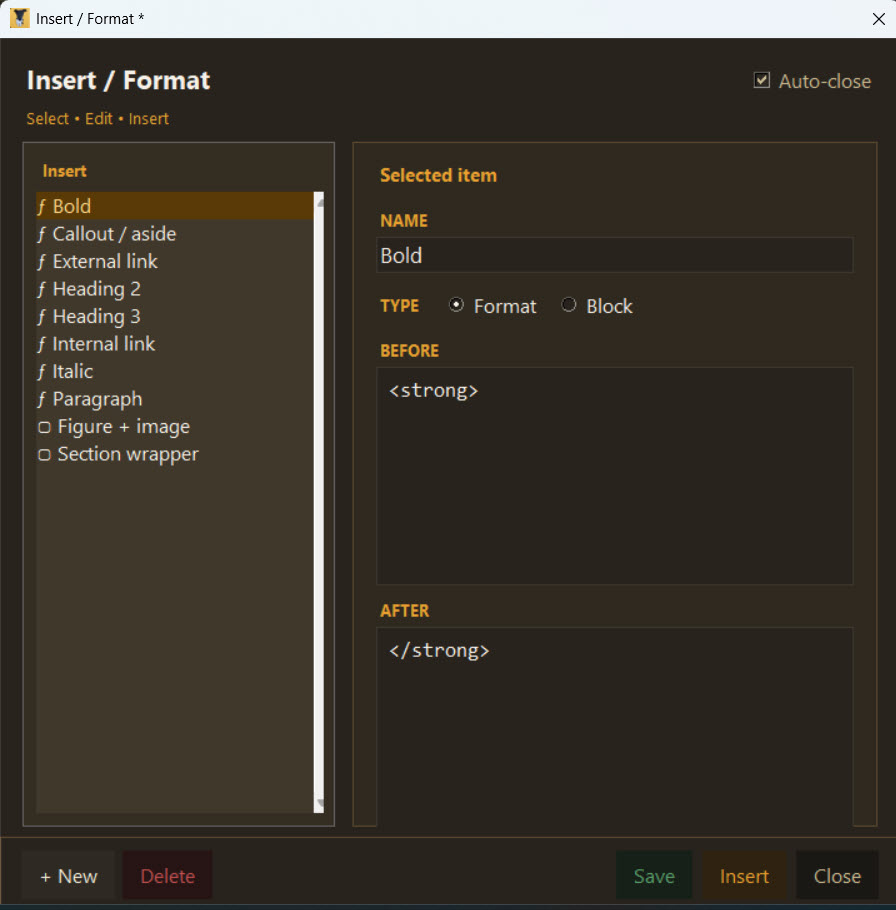
Use built-in snippets or create your own reusable inserts for common layouts and patterns.
Snippets are one of those features that sounds small until you use them for a week and never want to go back. Bridge Edit includes ready-made inserts for common patterns and also lets you create your own wrap-style snippets for the way you actually work.
- Built-in snippets for common HTML patterns
- Create, edit, and delete custom snippets
- Before/after wrap model for flexible inserts
- Format vs. block distinction for cleaner usage
08 · Find and replace
Fix things once instead of hunting them down twenty times.
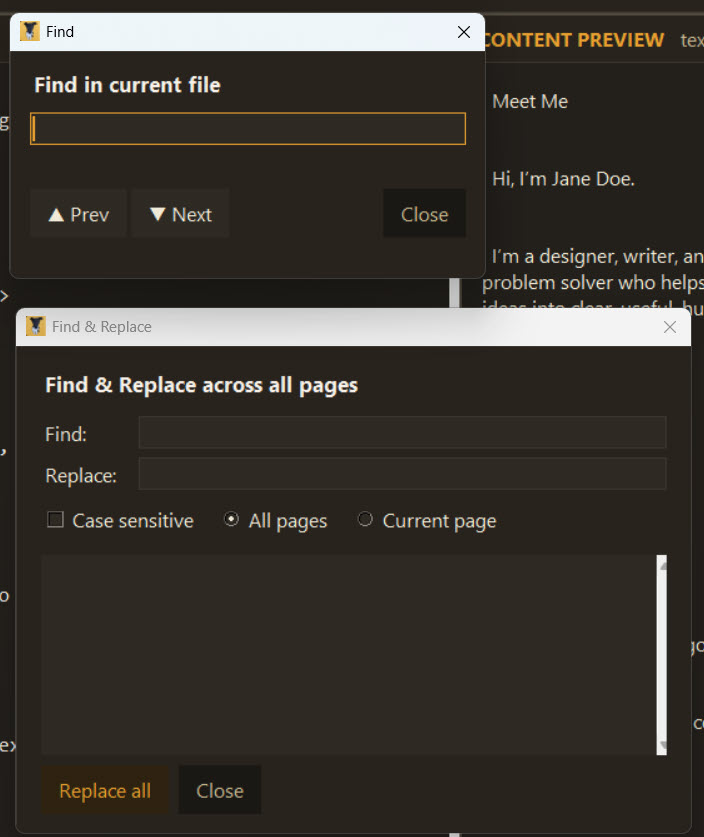
Find, jump, highlight, and replace text with less squinting and fewer muttered threats.
For real editing work, find and replace is not a nice extra. It is oxygen. Bridge Edit gives you next and previous navigation, match highlighting, and replacement options so site-wide cleanup does not feel like punishment.
- Find next and previous navigation
- Match highlighting in the editor
- Find and replace workflow
- Optional case sensitivity
09 · Templates and site management
Start from a template or switch sites without breaking your flow.
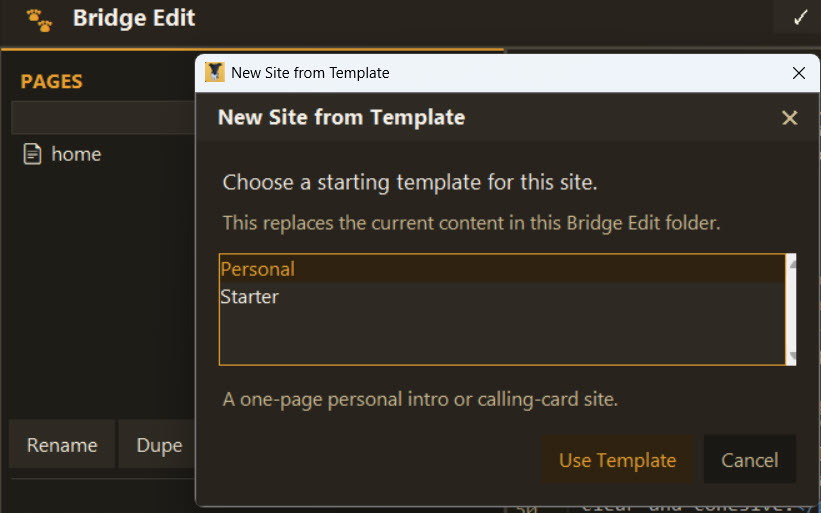
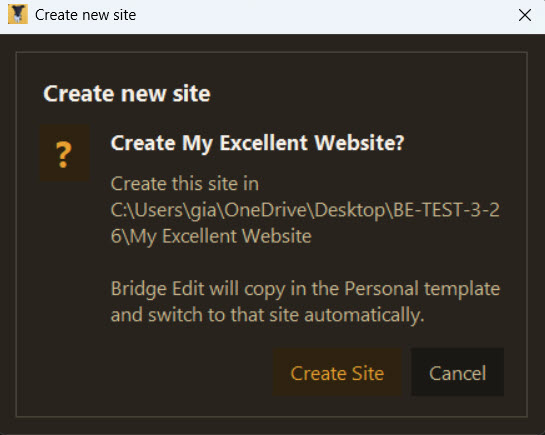
Create new sites from templates, open existing ones, and switch safely with built-in backup logic.
Bridge Edit is built for real use, which means it handles more than one site and more than one starting point. You can spin up a new site from a template, open an existing Bridge Edit site, and switch between them without white-knuckle fear.
- Create a new site from a template folder
- Open an existing Bridge Edit site
- First-launch seed logic for a working starting structure
- Backup and restore pattern during site switches
10 · Autosave and safety
Because “I swear I saved that” is not a strategy.
Autosave, rename tracking, and safe switching help protect work from the usual human nonsense.
The app keeps an eye on your work even when your brain is on six tabs and a coffee shortfall. Autosave runs in the background, renamed pages keep their autosave trail, and site switching uses backup logic so one wrong click does not become a character-building exercise.
- Background autosave to a dedicated autosave folder
- Autosave files update when pages are renamed
- Warnings before losing unsaved changes
- Safer site operations with backup logic
11 · Export and zip
Package the finished site and move on with your day.
Export your site as a clean folder or zip archive, ready to upload or hand off.
When the site is ready, Bridge Edit lets you package it without extra steps or scavenger hunts. That means fewer opportunities to miss a file, zip the wrong folder, or invent a new problem right at the finish line.
- Export as a finished site folder
- Upload with your ftp app to your web host
12 · UI polish
Small details that make the whole thing feel better.
A calmer interface, cleaner dialogs, remembered layout, and less nagging make the app easier to live with.
The UI details matter because this is the part you stare at while trying to get work done. Bridge Edit keeps the interface warm, readable, and practical instead of acting like ugliness is some kind of rite of passage.
- Custom dark warm-amber desktop theme
- Styled dialogs instead of plain default popups
- Toast notifications for quick feedback
- Remembers window positions and UI state
- Responsive topbar behavior based on window width